VizioCrowd Installation
This application is used to determine the minimum, maximum, and average number of people present in a monitored area over a specified time period. It identifies individuals using an AI model that detects heads.
Suitable Installation
The best location for the camera is to be centrally positioned and as close as possible to the zone of interest. The closer the area, the better the performance will be. Currently, it has been mainly installed in railway stations. Therefore, most of the examples in this guide will be related to this environment.
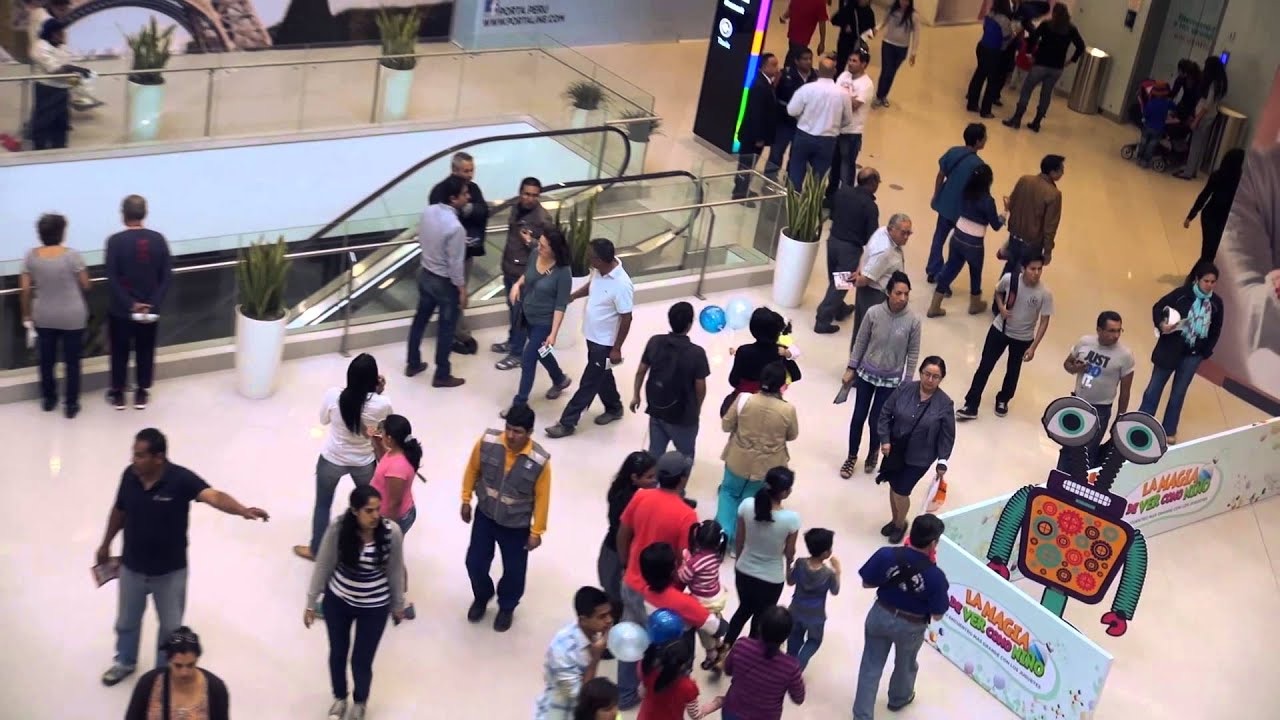
VizioCrowd Common Misplacements
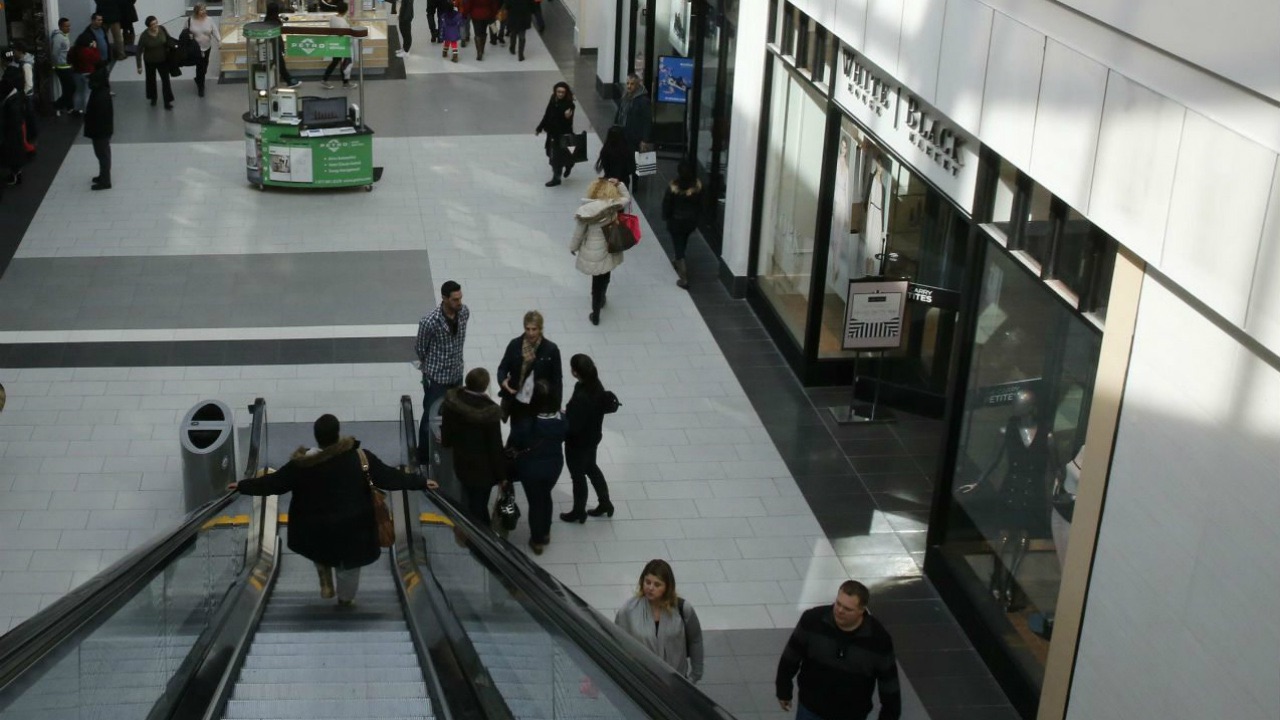
Too Far Distance
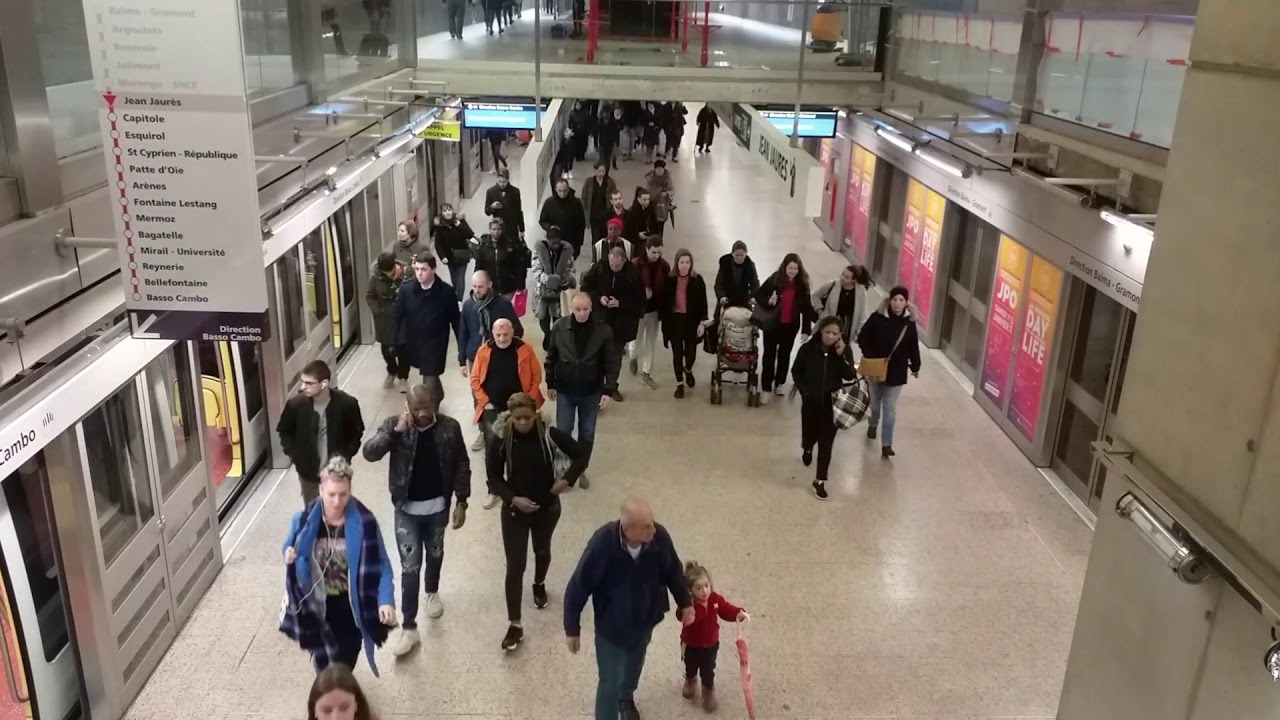
We should avoid having the zone of interest far away from the camera. It should be placed as close to people as possible.
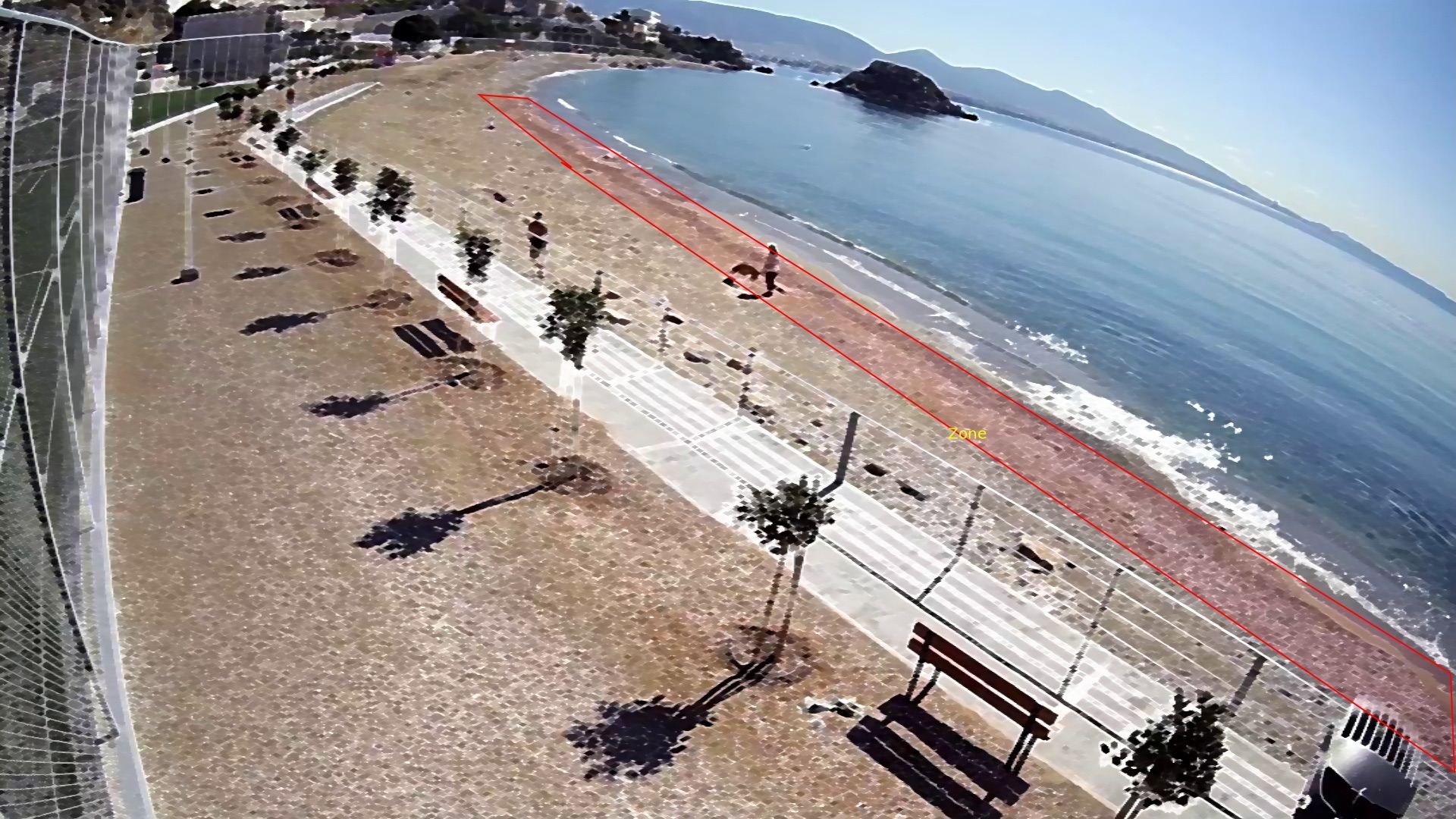
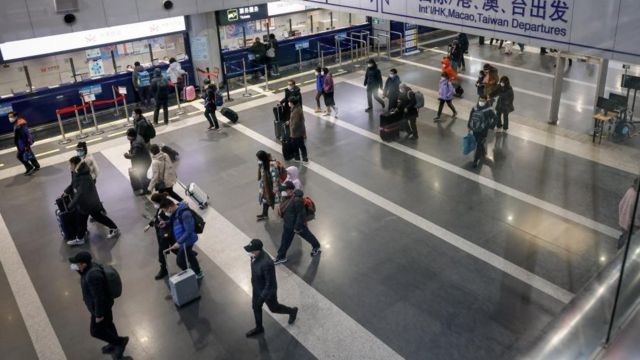
Deep View Issue
In the presence of a deep zone, we have less detail in the area that is far from the camera, which makes head detection challenging and system evaluation difficult.
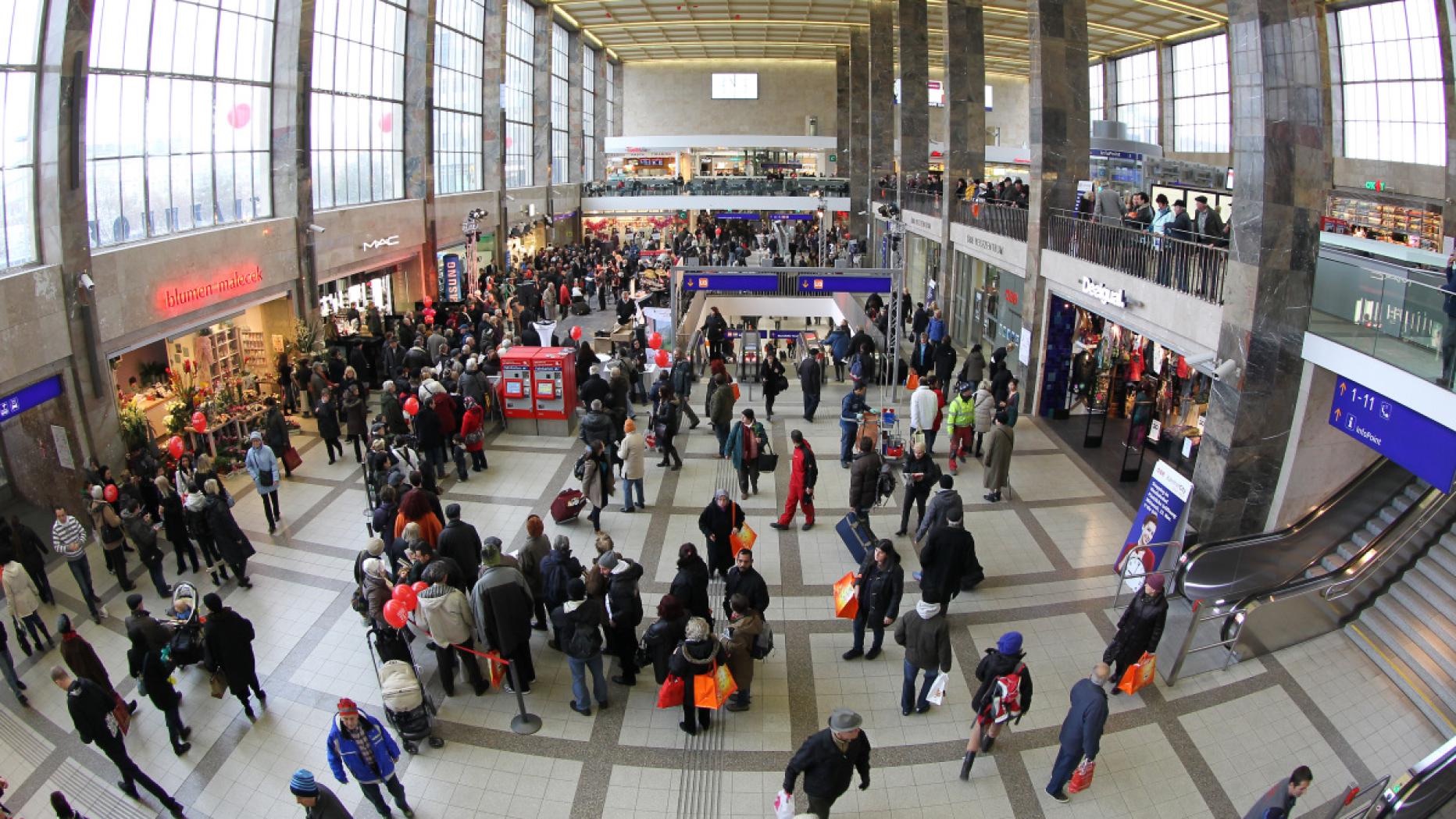
The area isn't necessarily too large. It's more about the distance from the camera to the farthest point being counted.
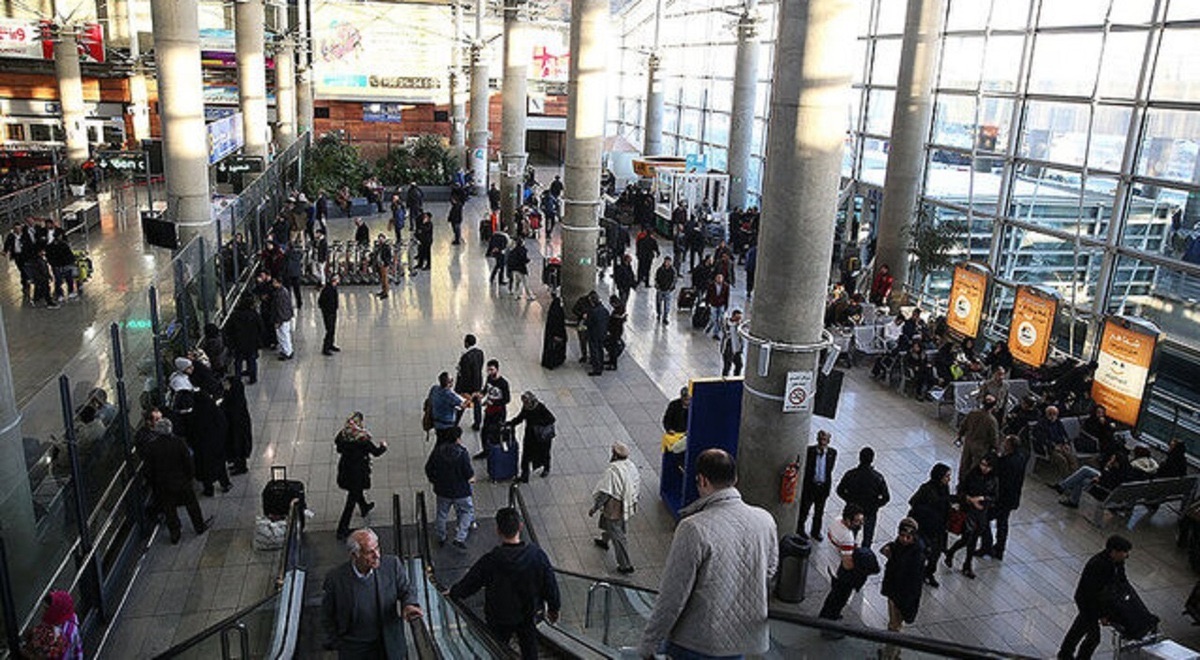
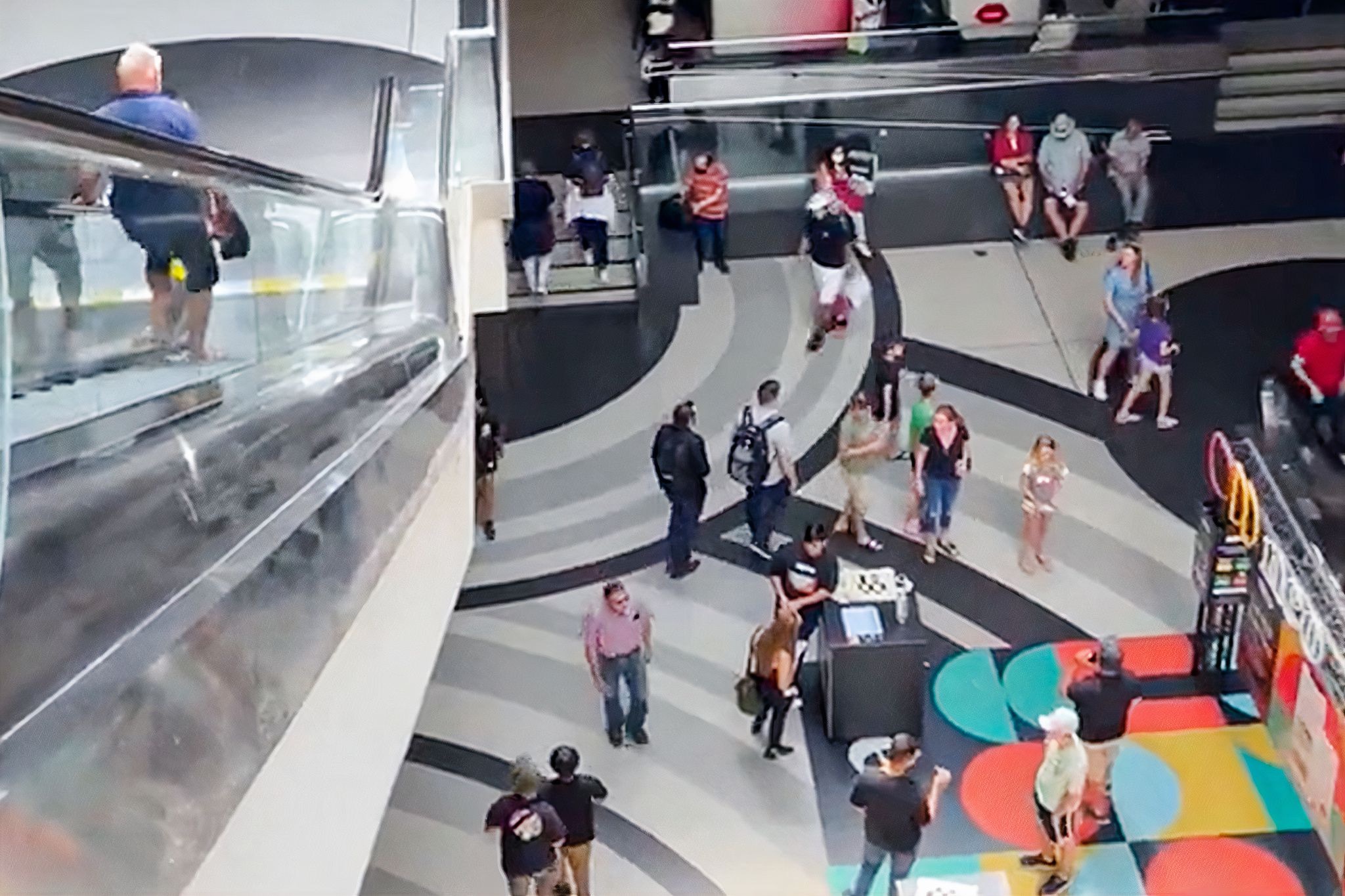
Head Visibility
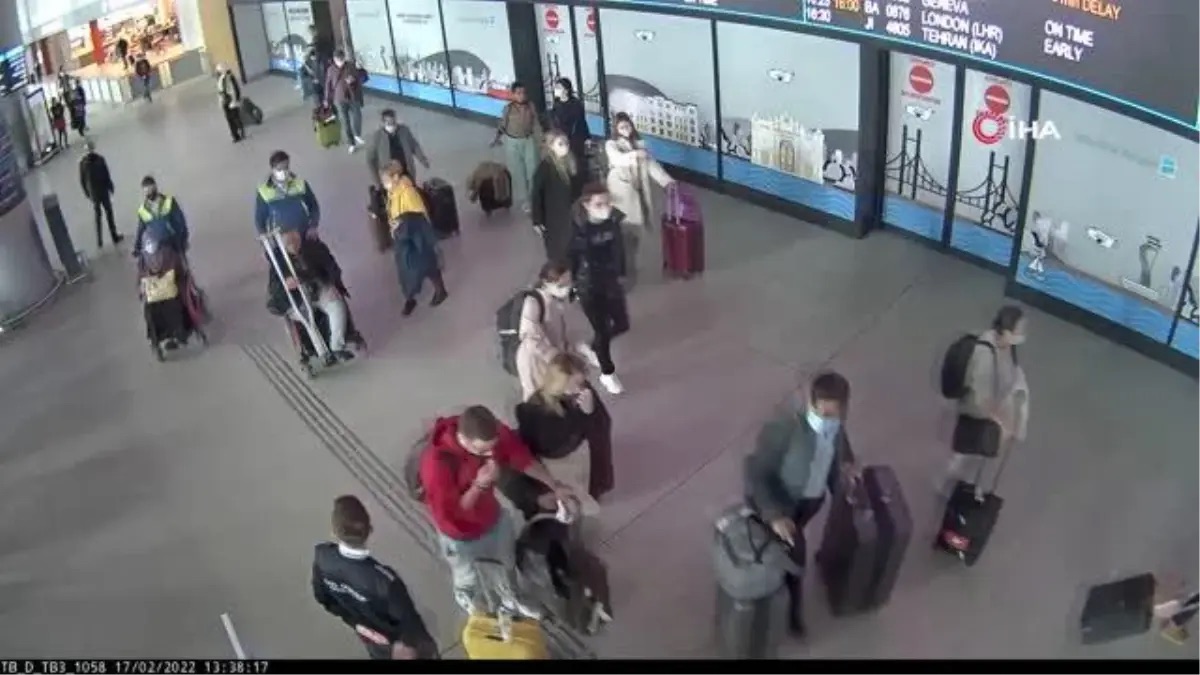
Avoid areas where heads may not be visible, as the technology relies on head detection.
Insufficient Attention to Scene
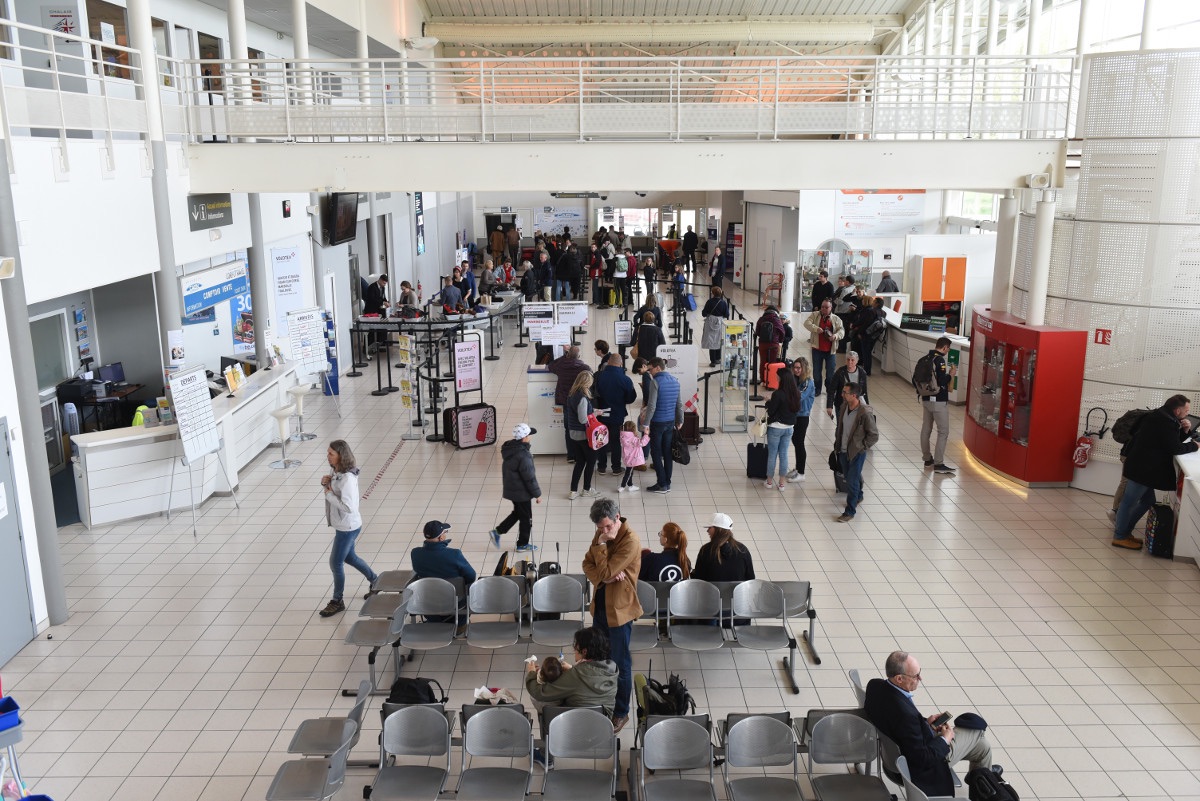
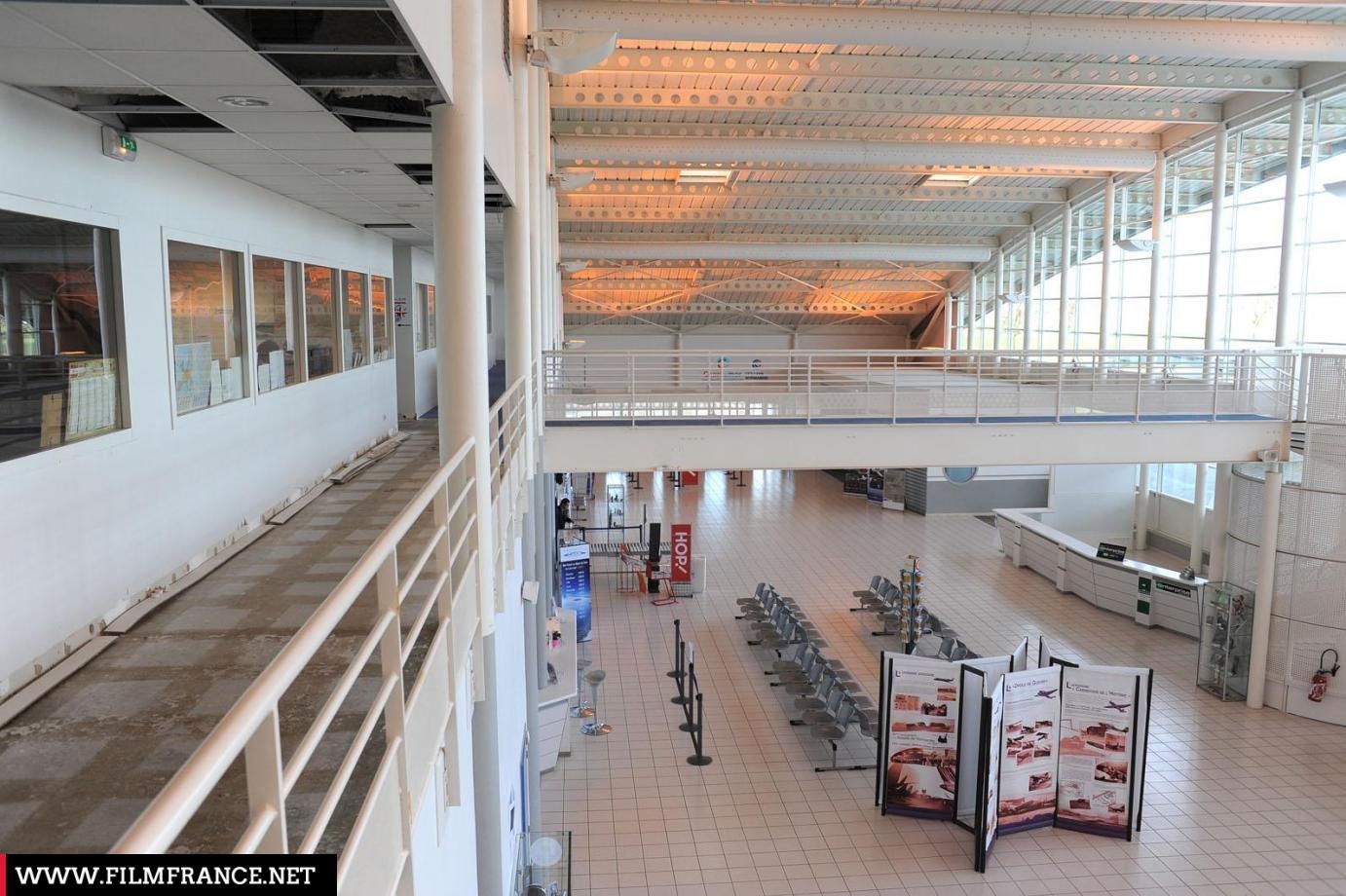
The camera should be adjusted to focus more on the monitored area, ensuring that less of the roof/sky and more of the upper part of the person is visible. Here is an example of an area monitored by a camera installed at the same height but with a different orientation, where the first view is more directed towards the roof.
| Good ✅ | Bad ❌ |
|---|---|
 |  |
Umbrellas Issue
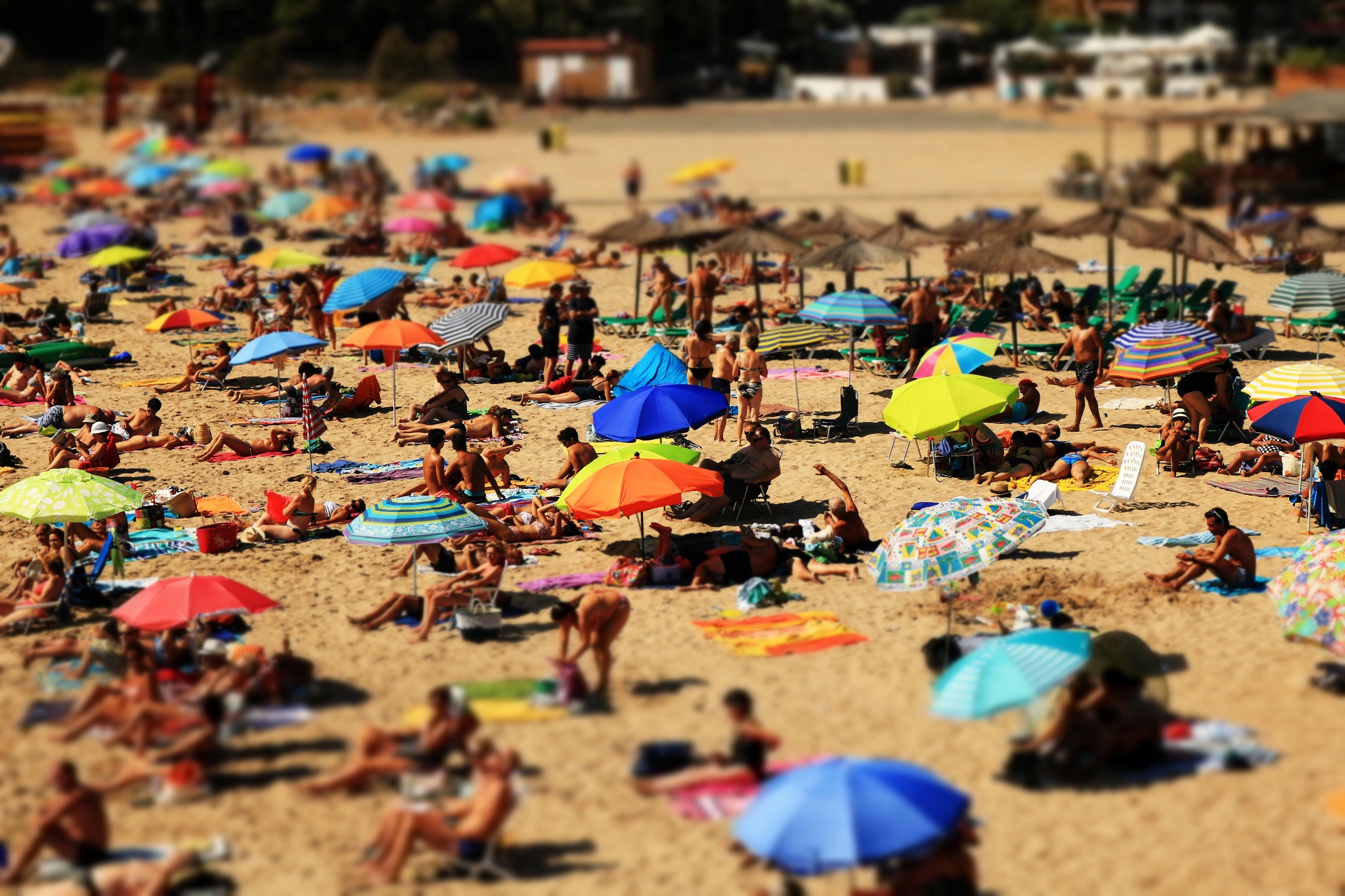
Umbrellas may block head detection, reducing accuracy.