Ethernet check
This page enables you to switch between 4G and PoE+/Ethernet connection
Verify the Ethernet connection by accessing the device configuration page at http://192.168.12.1:8080/ethernet.
Switching Between 4G & PoE+/Ethernet
When the kit is in 4G mode and you wish to switch to PoE+/Ethernet mode:
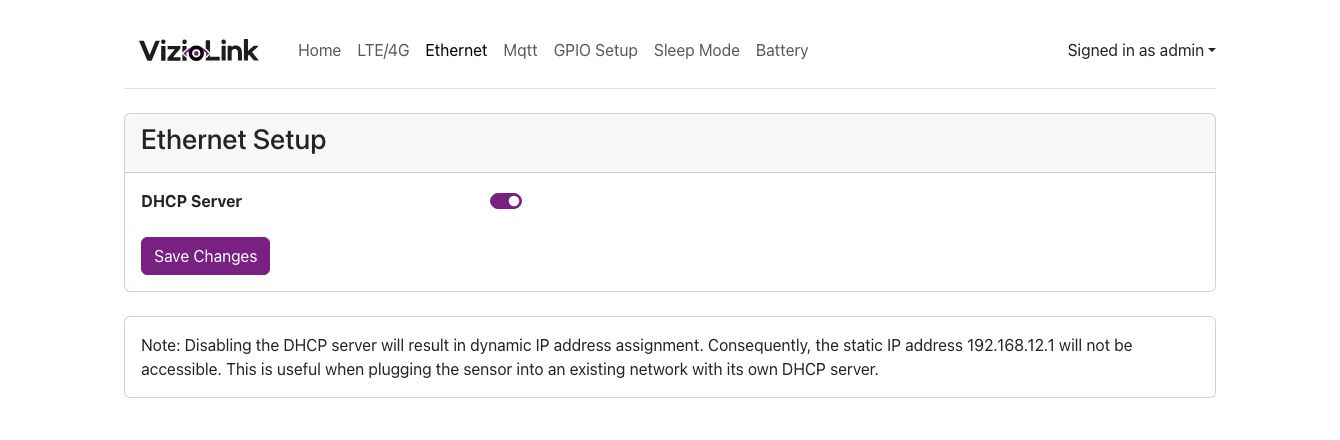
Enable PoE+/Ethernet networking via the female RJ45 port by clicking the activation button.
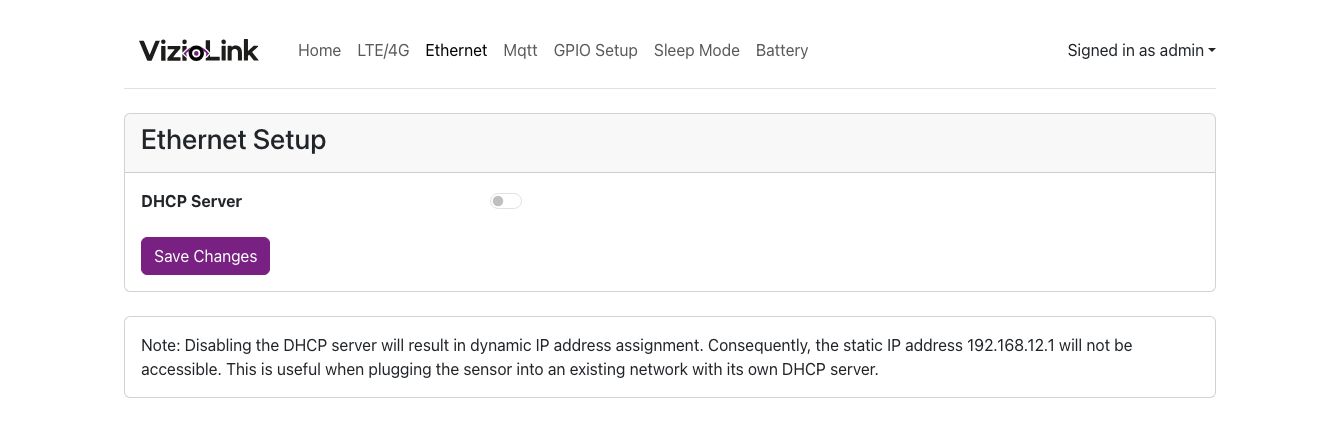
When the button turns blue, save the configuration, a confirmation window will appear.
-
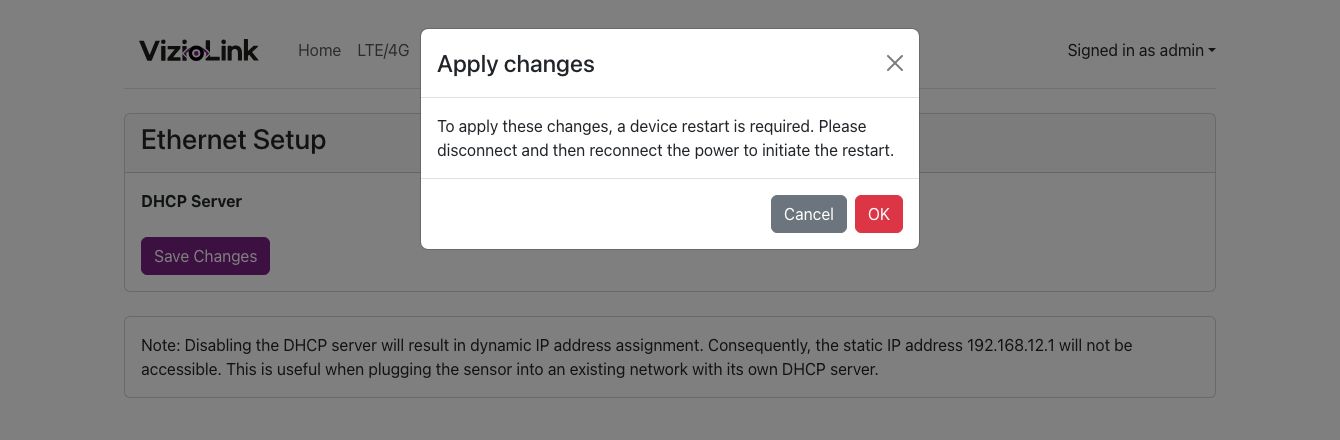
Once confirmed, please unplug the power cable of the kit for the configuration to take effect and connect the kit to a PoE+/Ethernet network.
-
After reboot, the PoE+/Ethernet networking is now via the female RJ45 port. The IP address is no longer static like 192.168.12.1 but is distributed by your DHCP server.
If you need to disable PoE+/Ethernet networking and switch back to 4G, the activation button should be white. After confirmation, disconnect the sensor from the PoE+/Ethernet network and restart it.
Confirm the network mode switch by checking the connection status on the configuration page.