LTE check
This page helps you configure the SIM card once it is inserted in the device.
4G APN Setup
- Connect your computer via an Ethernet cable.
- Open a browser and enter the URL
http://192.168.12.1:8080/lteto access the configuration interface.
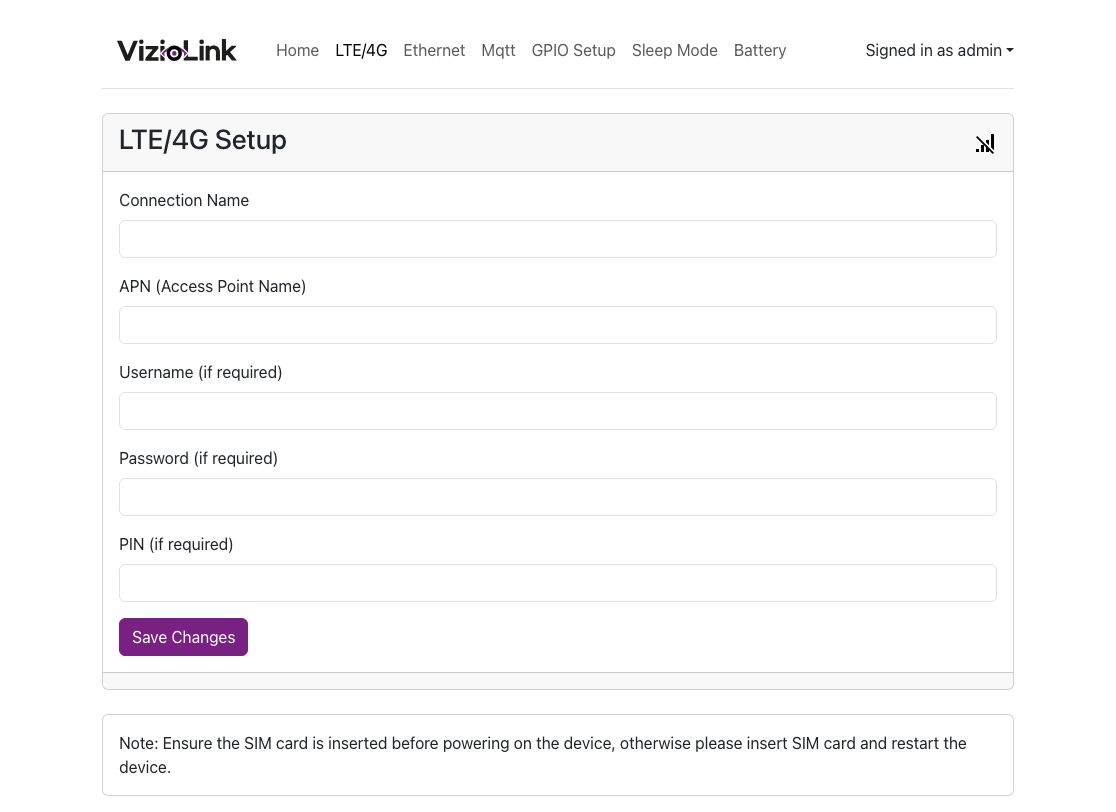
- Fill in the required fields and save the configuration.
- Refresh the page and check the network status of the sensor through the signal icon in the upper right corner. If the connection is successful, the icon will change.
Verification
Ensure that the network status icon shows a successful connection.
note
When there is no network connection, the sensor will restart every 10 minutes to try reconnecting.