Group Management
Groups help you organize your devices efficiently. They can be used to apply configurations globally to devices within the group or to restrict access for view-only users.
Creating a Group
To create a new group, navigate to the group view and click on the + Create Group button.
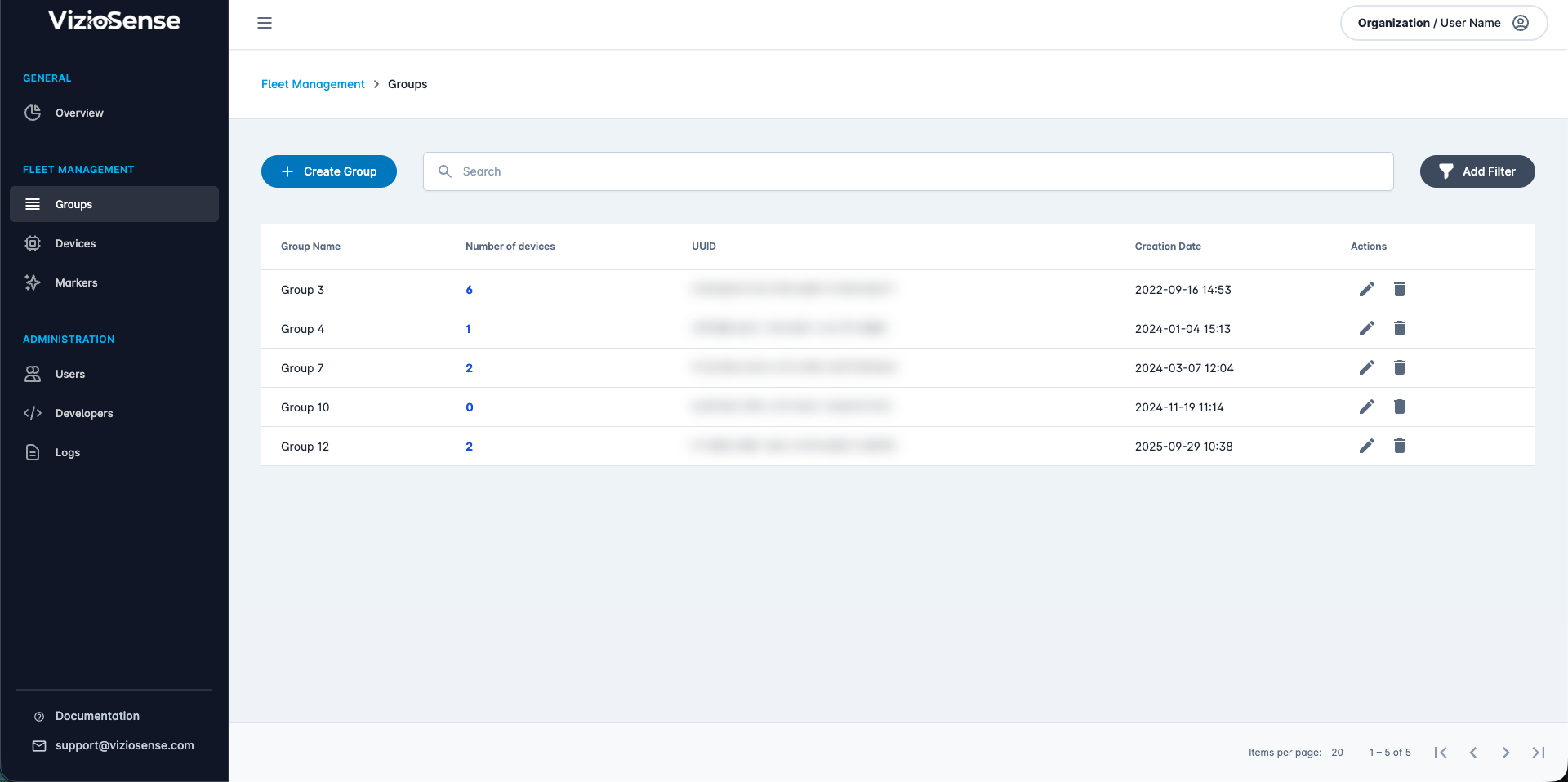
Provide a name and associated users for the group and click on Create to confirm its creation.
Updating a Group
To update a group, navigate to the group view and click on the Pen button on the group you wish to update.
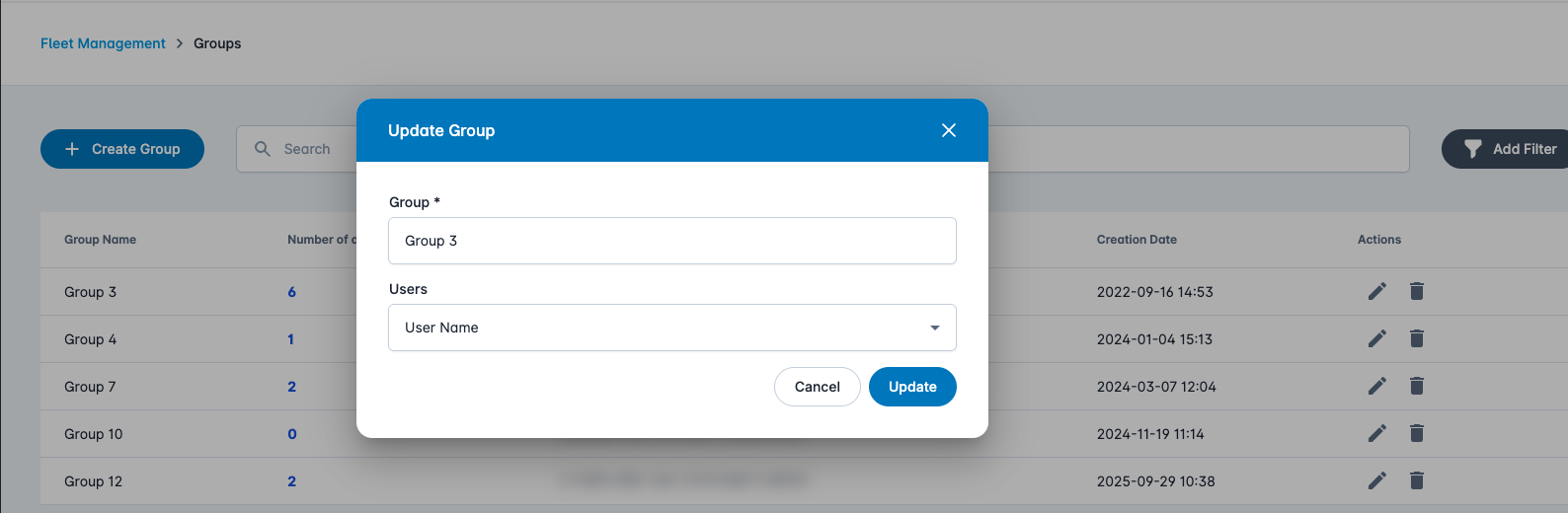
Group details
To view the details of a group, navigate to the group view and click on the group you wish to view.
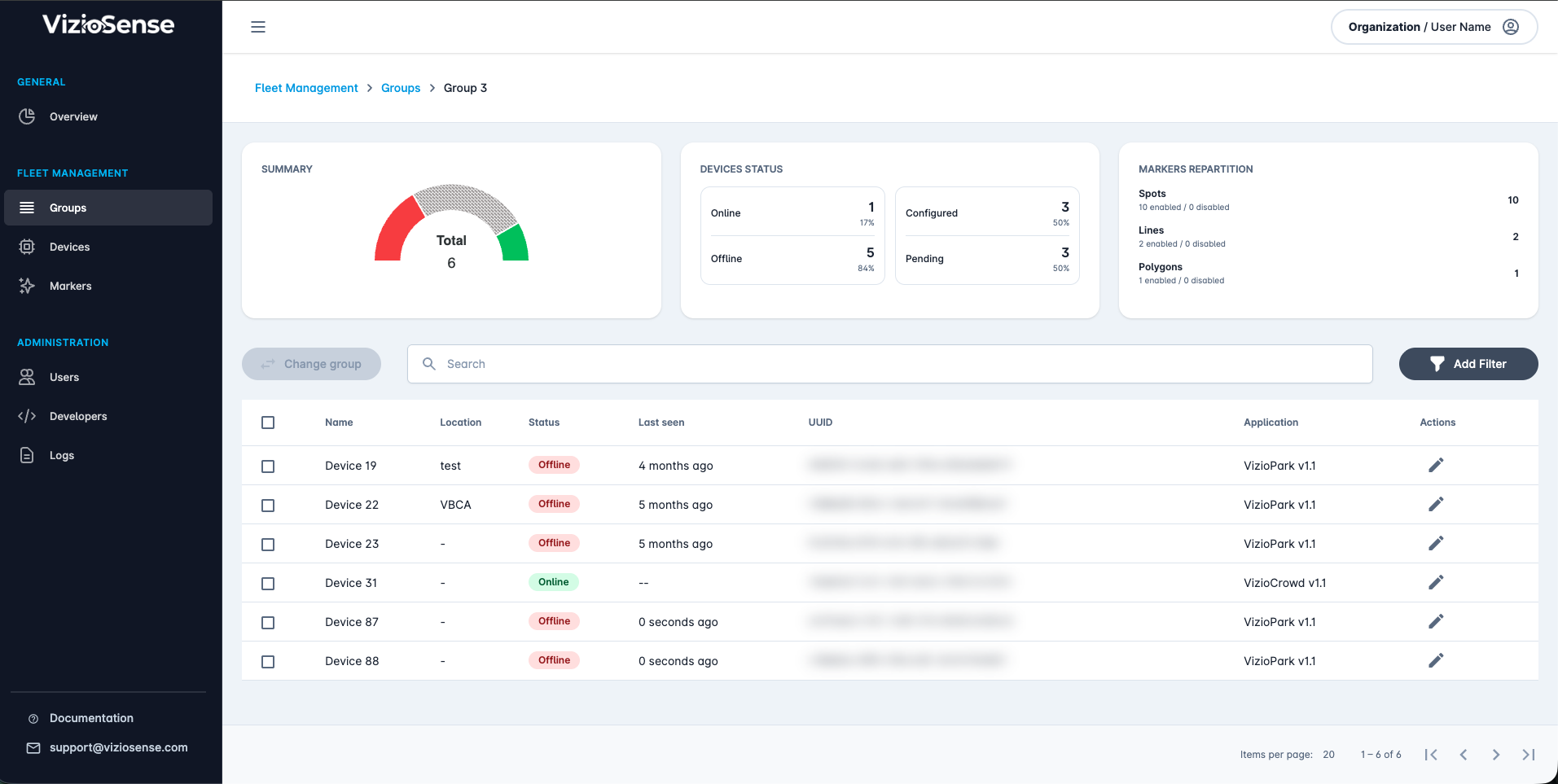
You can view a summary of the group, including your devices’ configurations and statuses, marker representations, and all devices associated with the group.
Adding a Device to a Group
To add a device to a group, navigate to the device list view. Select the checkbox next to the device you wish to add to your group, click on the Actions button, and then select Change Group.
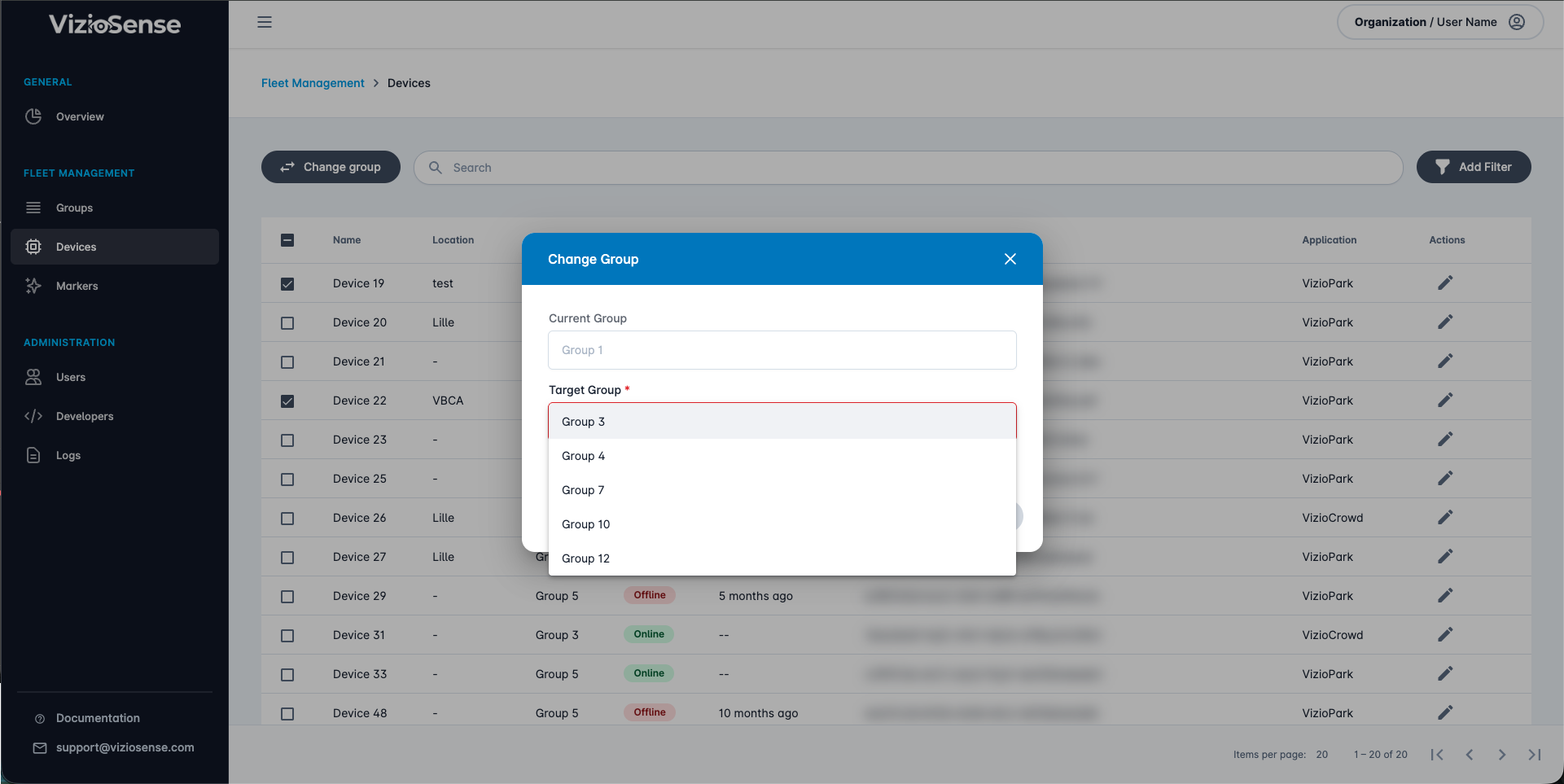
Please note that a device is always bound to a group and can only belong to one group at a time.