Installer View
The Integrator platform provides a specific view for on-site installers.
Adding Installers to the Platform
To provide installers with a view-only mode for your sensors, you can add them as standard users via the Users tab. For detailed instructions, please refer to the User Management page.
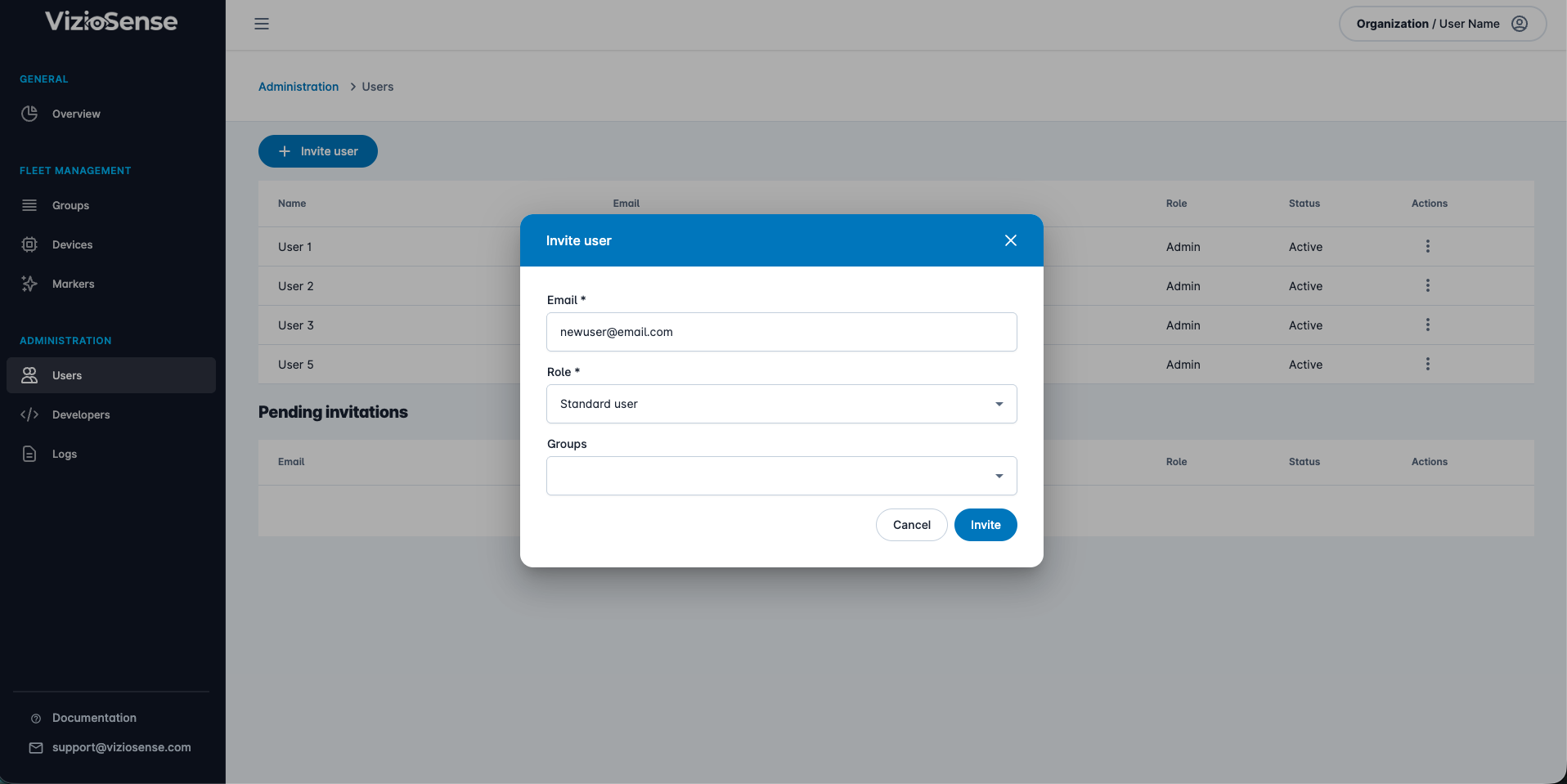
Installers will only have access to the sensors in the groups you assign them to.
Installers' Access to the Platform
Once added, your installer will receive an email to create their account on the platform. After completing the setup, they will have view-only access to your sensors.
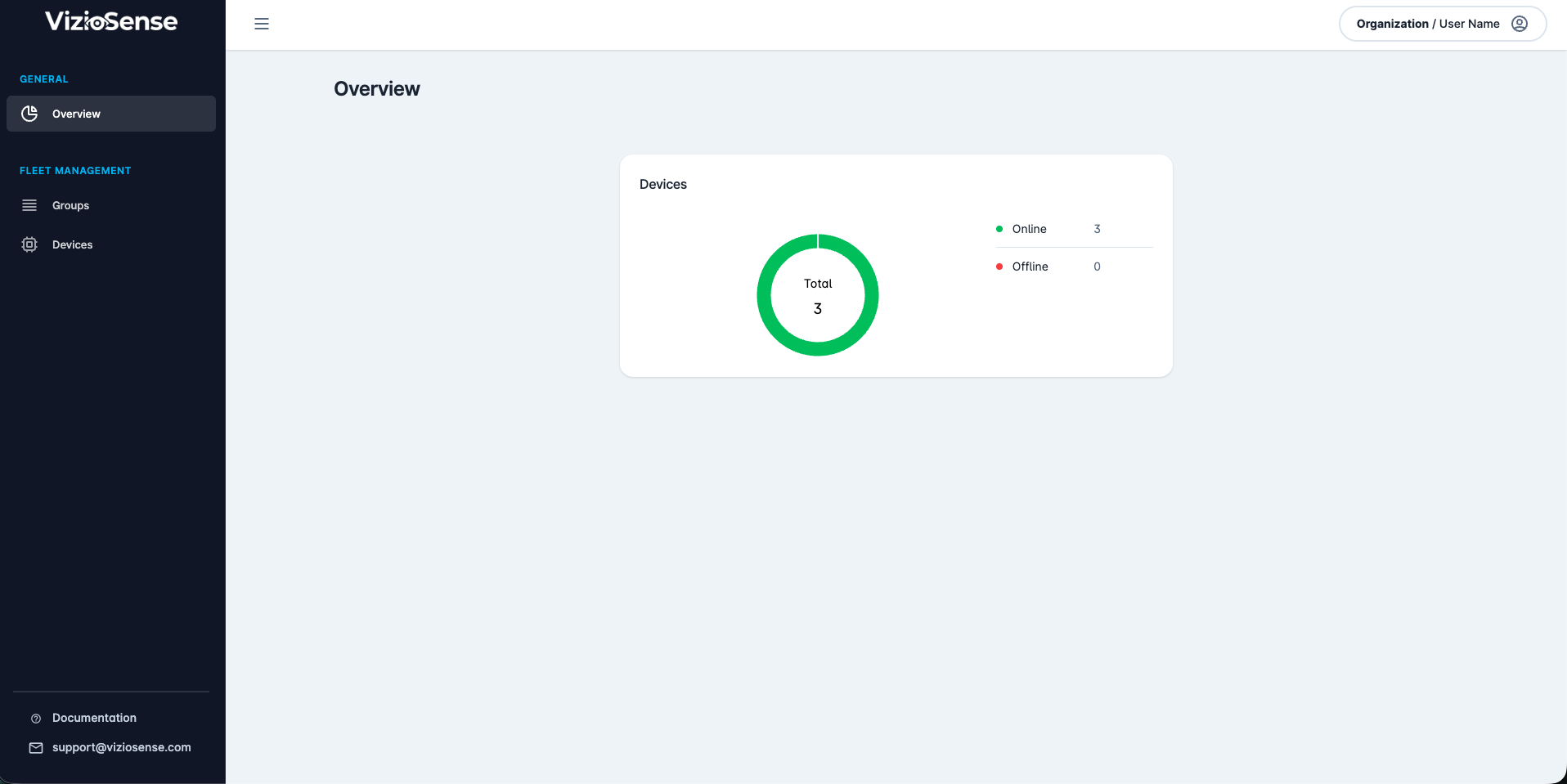
Image and Application Preview
Installers can access the image and application preview by clicking on the Preview tab.
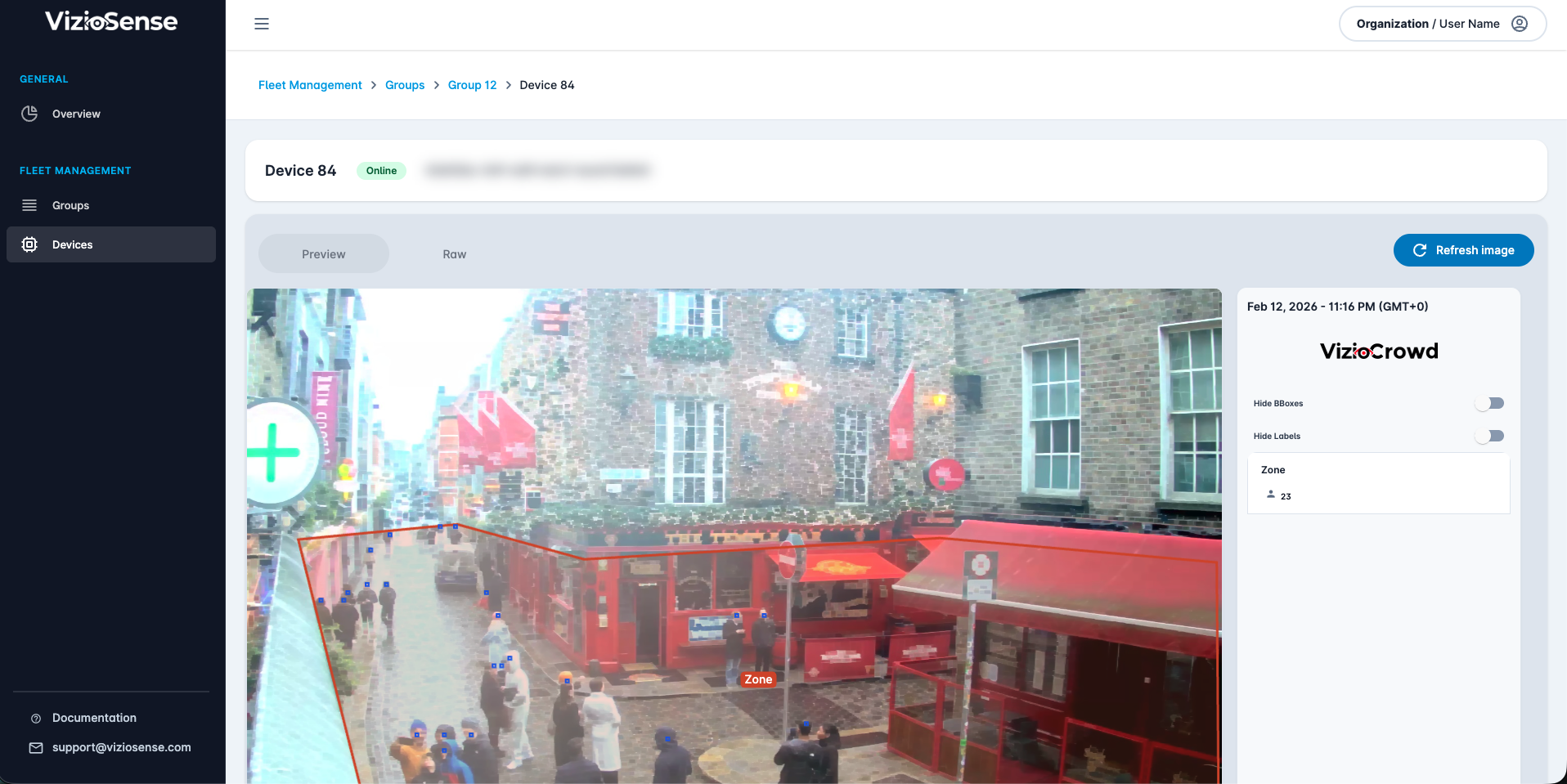
The Preview page displays the latest requested image along with the current state of the application (shown in the right-hand column)
Additionally, installers can view the raw sensor preview by clicking the Raw button.