User Management
The integrator platform lets you collaborate with your teammates to manage your camera fleet. This guide will help you understand how to view, invite, and manage users within the platform.
User View
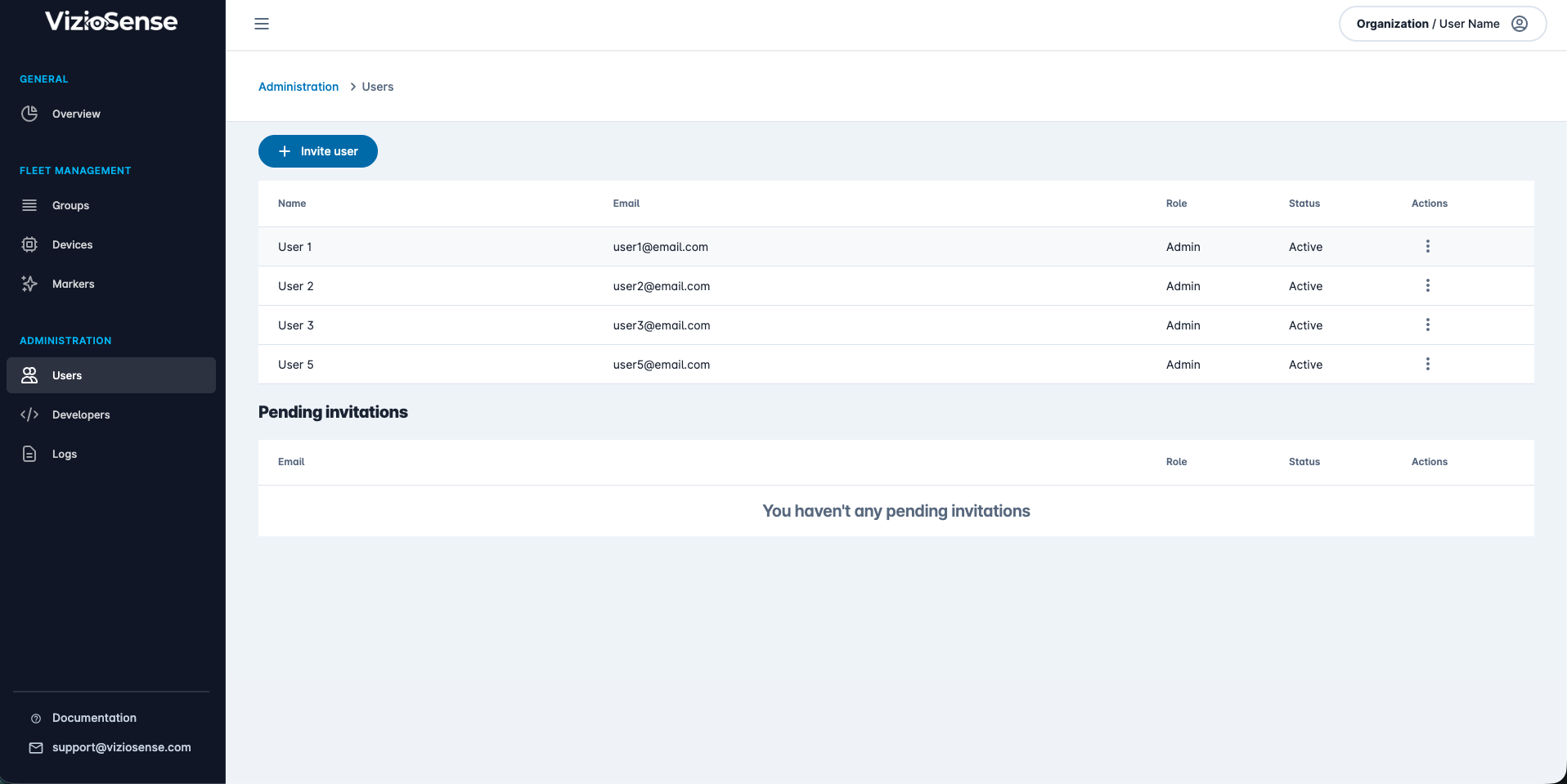
To see the list of currently enrolled teammates, go to the User View. You can also edit them:
Invite Your Teammates
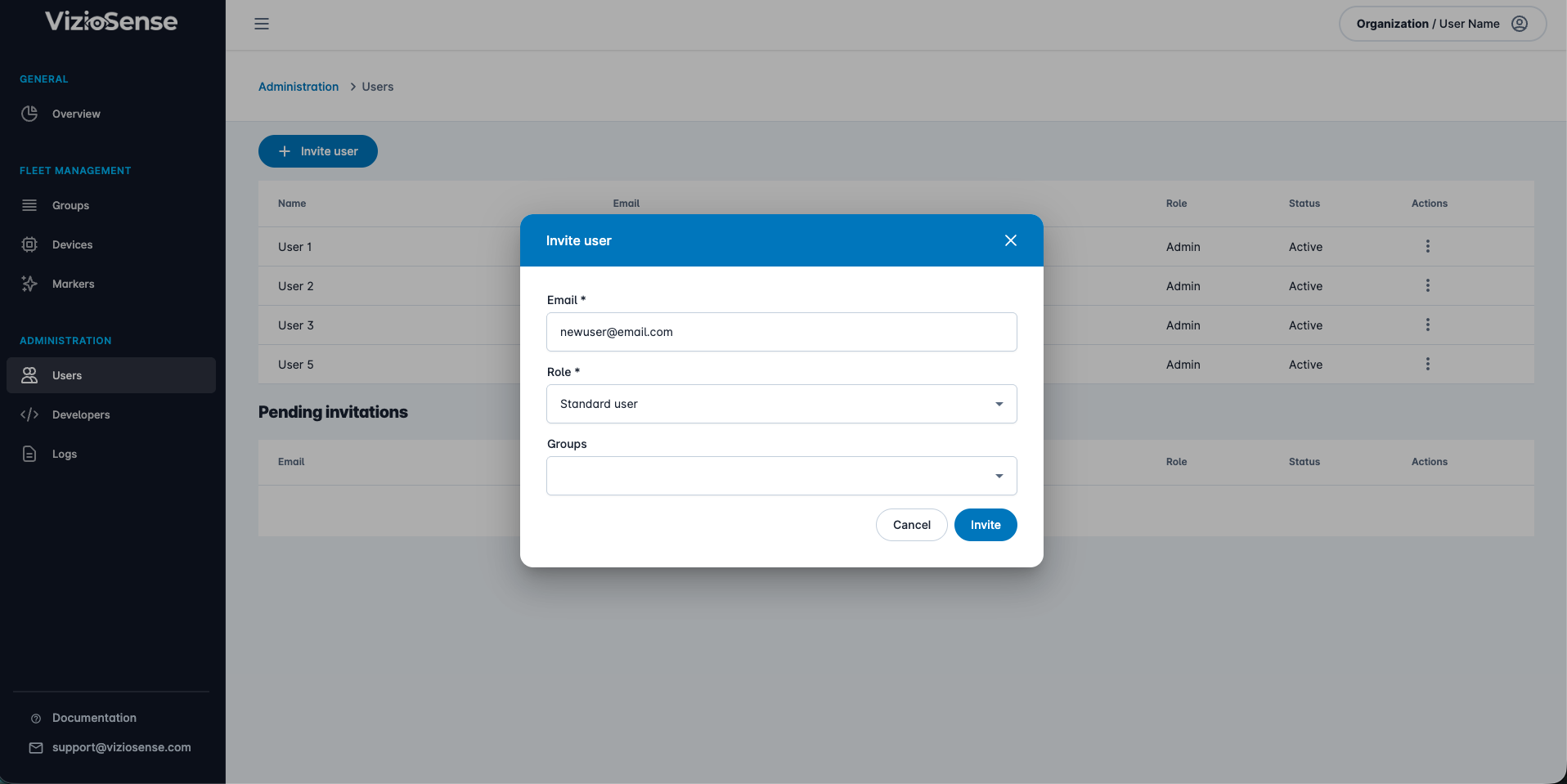
To invite new teammates to your organization, click on the + Invite User button:
Role Overview
There are two roles defined on the platform:
- Admin: This type of user has full access to all features.
- Standard User: This kind of user can only access the devices in their groups in a view-only mode. This is useful for giving access to your end-users or camera installers for basic configuration checks.
Here is the list of permissions over features for each role:
| Admin | Standard User | |
|---|---|---|
| Overview | ||
| Access home dashboard | ✅ | ✅ |
| Access marker | ✅ | |
| User Management | ||
| Invite a standard user | ✅ | |
| Invite an admin | ✅ | |
| View a user | ✅ | |
| Edit a user | ✅ | |
| Remove a user | ✅ | |
| Group Management | ||
| Create a group | ✅ | |
| View a group | ✅ | ✅ |
| Edit a group | ✅ | |
| Remove a group | ✅ | |
| Device Management | ||
| Add a device | ✅ | |
| View a device | ✅ | ✅ |
| Edit a device | ✅ | |
| Change a device group | ✅ | |
| Remove a device | ✅ | |
| Device Actions | ||
| View preview | ✅ | ✅ |
| View raw preview | ✅ | ✅ |
| View payloads logs | ✅ | |
| Reboot | ✅ | |
| Hard reboot | ✅ | |
| Edit settings (4G info) | ✅ | |
| Device Webhooks | ||
| Add a webhook | ✅ | |
| View webhooks | ✅ | |
| Edit a webhook | ✅ | |
| Remove a webhook | ✅ | |
| Application | ||
| View application info | ✅ | ✅ |
| View application config (on group) | ✅ | |
| Edit application config (on group) | ✅ | |
| View application annotation | ✅ | |
| Edit application annotation | ✅ | |
| Developer Settings | ||
| Create Personal Access Token | ✅ | |
| View Personal Access Token | ✅ | |
| Revoke Personal Access Token | ✅ | |